Name: sailfishos-patch-update-lpm-screen
Display name: Special LPM Screen & upcoming events & unlocksound
Author: rdomschk
Updated at: Aug. 15, 2026, 11:41 p.m.
Description: Inspired from the old Nokia App “Sleeping Screen” I create a big patch to have this also at Sailfish OS.
Many thanks for the help from Nephros and the developer from the patch “upcoming events on lock screen”.
In the next time I will update also the patch bigger statusbar fonts because the battery icon is not colorable with this version.
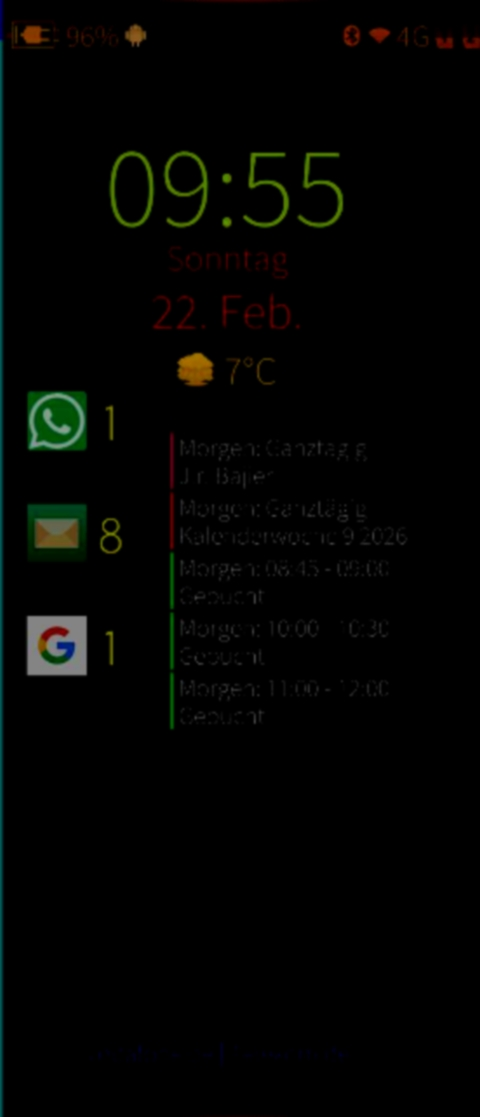
LPM or Low Power Mode means the small power screen activation to show some Details every time on the Screen with low intensity.
It works now also with over 65 exist patches.
Nevertheless, I recommend activating it at the last patch because it’s changed many lipstick files and the other patches can have a problem if the patch its activated at first.
Please deactivate also the patch “upcoming events on lockscreen” because I must integrate it completely in my patch to make the calendar movable on LPM.
Good news I could reactivate all settings for this patch and now you can move the calendar widget and all other Items manually again.
The own app dependency is meecast weather and only to use all functions mce-tools. Without meecast the patch will not activatable!
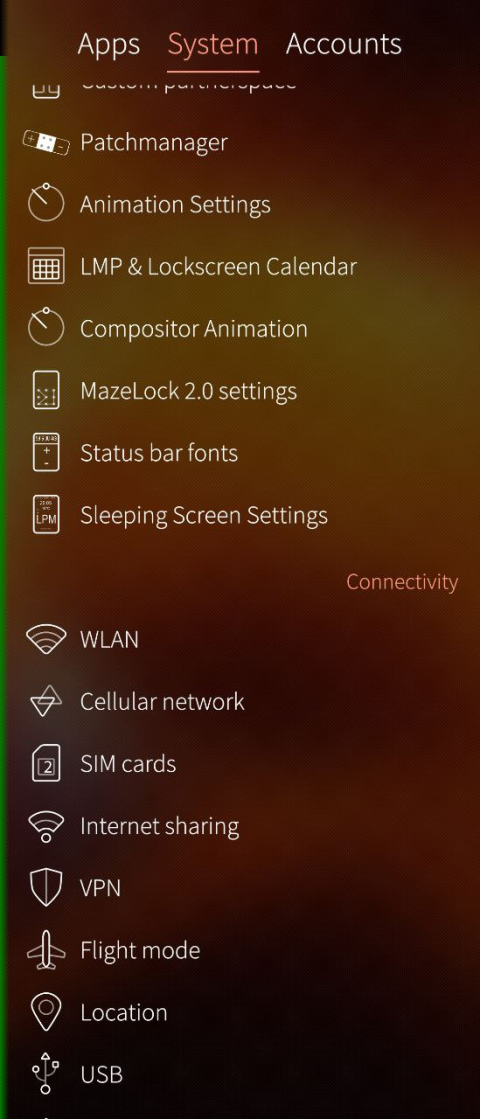
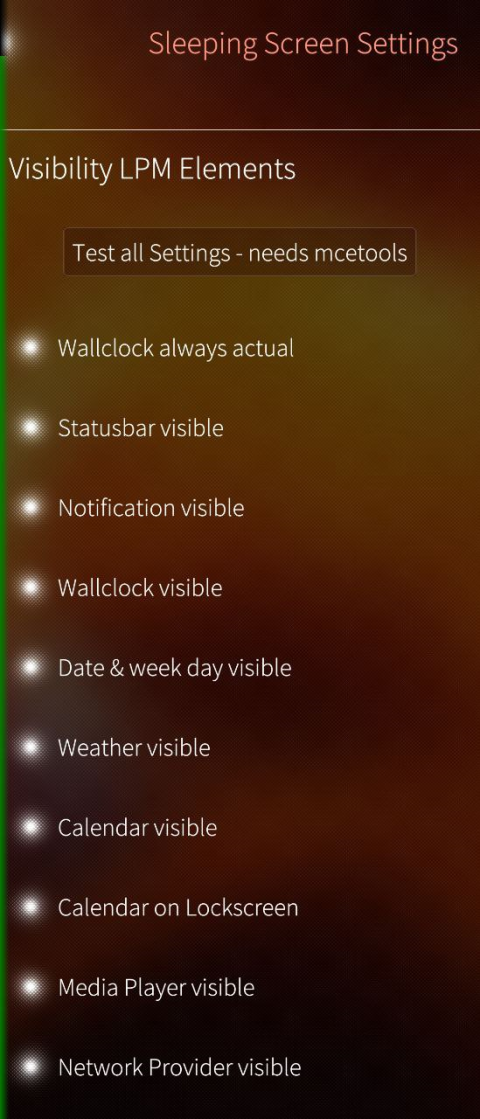
After restarting the home screen, you can change many thinks in settings.
For the part upcoming calendar on lockscreen you will see a separate settings entry.
The patch is tested at SFOS 5.0.0.67, 5.0.0.68 and 5.0.0.72.
Follow features you will see:
- update time on lpm (in original SFOS the time will never updated at activation and so make times over 60s no sense)
- selective show/unshown items on LPM screen (status bar, notification icons, time, date, weather, calendar, media player keys and sim card provider)
- separate switch off the calendar on lockscreen
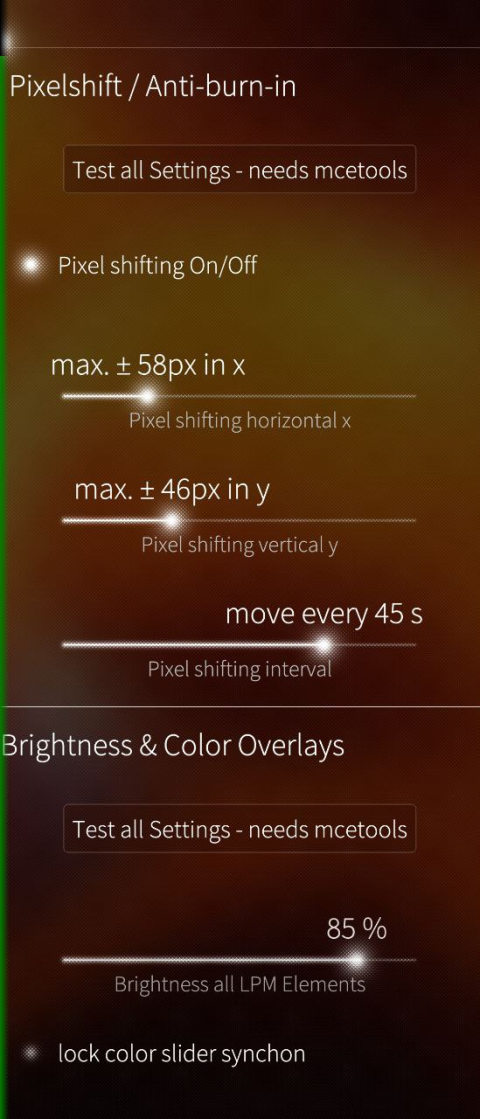
- activate the anti-burn-in function (pixel move) for long lpm timings
- change the pixel move settings for the max offset in x and y and also the interval (the setting entries will show the effect if you choose a low interval time)
- global choose the brightness of items on lpm screen
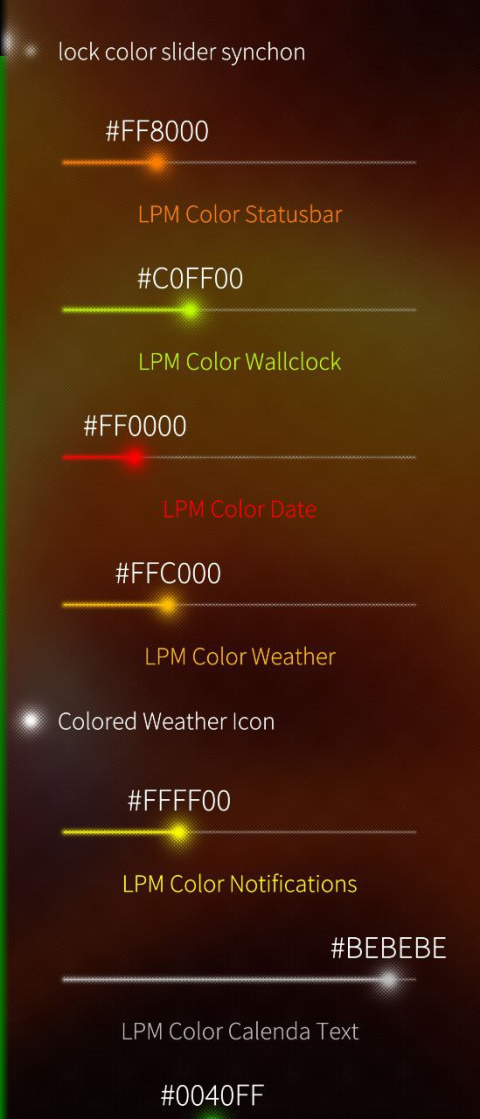
- selective or global change the color of items for (status bar, notification icons, time, date, weather, calendar, media player keys and sim card provider)
- use a color overlay over the weather icon to make white clouds colored
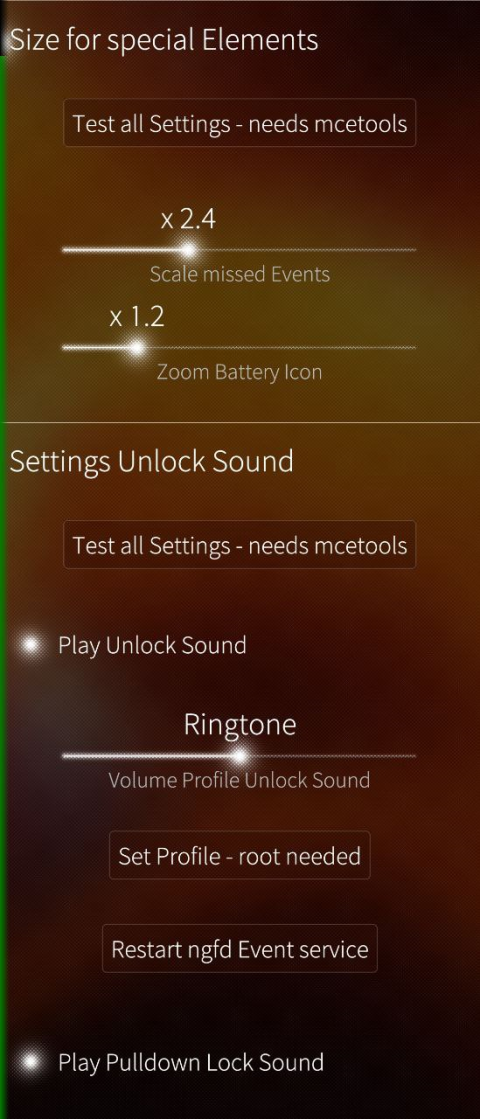
- zoom the items on lpm screen status bar and notification icons to make it better readable
- switch on/off the lock and unlock sounds
- change the volume profile between system-ringtone-media volume
- button to jump to the sound files to change it
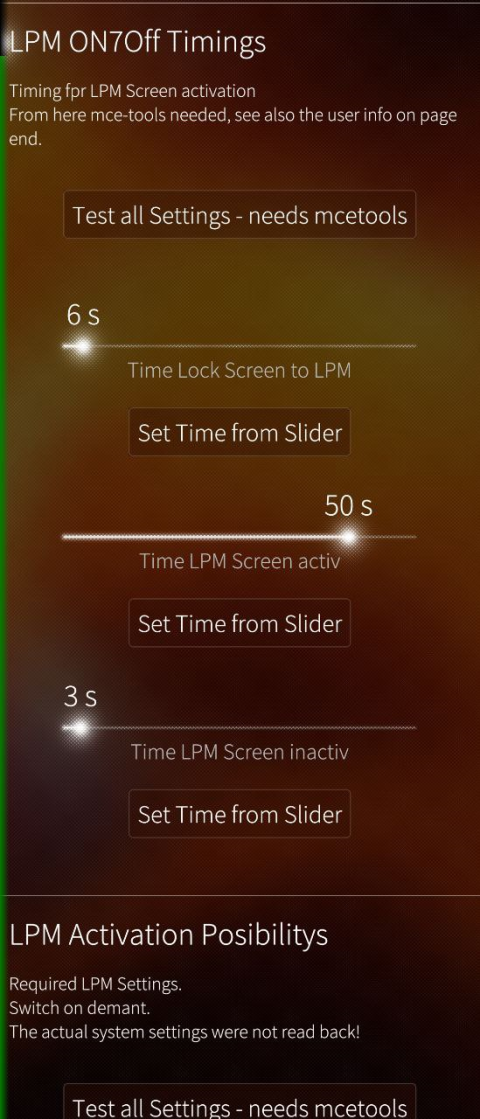
- change the lpm timing
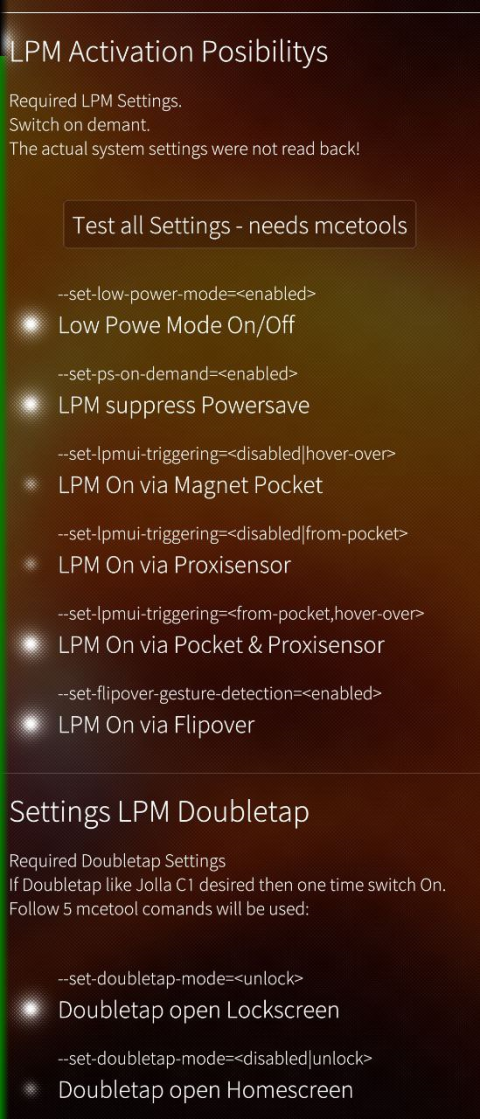
- change many settings to use double tap for jump to home screen or lock screen
- test buttons on many positions to test the settings directly from the setting page
In summary 43 switches or slider to change any thinks…
I hope it works and you have fun.
It’s in EN and DE only but you can add languages in the diff file if you want or send it to me.
Rating: 1
Total activations: 225
Files:
-
Version: 0.3.79
Compatible: 5.1.0.11
Uploaded at: Aug. 15, 2026, 11:41 p.m.
Activations: 75
Changelog: - update for 5.1.0.11
documents/rdomschk-sailfishos-patch-update-lpm-screen-0.3.79.zip
-
Version: 0.3.78
Compatible: 5.0.0.76
Uploaded at: March 22, 2026, 1:29 a.m.
Activations: 18
Changelog: - new random collors for all elements
- unlocksound now for all events like power switch, time to display of etc.
- if use the setting synchron colors the setting for separatly colors are not overwritedocuments/rdomschk-sailfishos-patch-update-lpm-screen-0.3.78.zip
-
Version: 0.3.77
Compatible: 5.0.0.72, 5.0.0.67
Uploaded at: Feb. 22, 2026, 9:16 a.m.
Activations: 129
Changelog: - only repairing the color overlay about the weather icon, it was always blue
documents/rdomschk-sailfishos-patch-update-lpm-screen-0.3.77.zip
-
Version: 0.3.76
Compatible: 5.0.0.72, 5.0.0.67
Uploaded at: Feb. 22, 2026, 3:12 a.m.
Activations: 3
Changelog:
documents/rdomschk-sailfishos-patch-update-lpm-screen-0.3.76.zip